



In today’s world, keeping your laptop safe from bumps, spills, and online threats is more important than ever. Whether you’re using your laptop at school, work, or while on the go, having the right protection is key. And it’s not just about a sturdy case – good cybersecurity habits play a crucial role too. For schools and businesses where laptops are constantly being transported or used remotely, the challenge of keeping these devices secure is even greater.
So, we’ve put together a straightforward guide to help you safeguard your laptop and keep it in top condition.
Do I Need Protection for My Laptop?
Even the most cautious laptop user can make a costly mistake. Sadly, many don’t think about protecting their laptop until after they’ve had to repair or replace a damaged device.
According to Google Trends, searches in the UK for “how to protect my laptop” hit a five-year high in early 2024, showing that laptop users are increasingly concerned about this issue.
Taking some sensible steps now can help you avoid physical damage and cyber threats.
We all take our laptops everywhere, and they often get a rough ride. We chuck them in our bags, sling them over our shoulders, leave them on the floor, and risk them getting too close to our drinks. Plus, many of us connect to free public Wi-Fi, click on dodgy links, and trust security protocols without a second thought.
It’s easy to forget that laptops are delicate gadgets. Rough handling, a spilt coffee, or falling for a cyber scam can lead to costly and potentially irreparable damage.
How to Protect Your Laptop – A Step-by-Step Guide
While it’s impossible to make your laptop completely indestructible, here are five simple steps to help your device survive those inevitable mishaps.
1. Get a Laptop Case
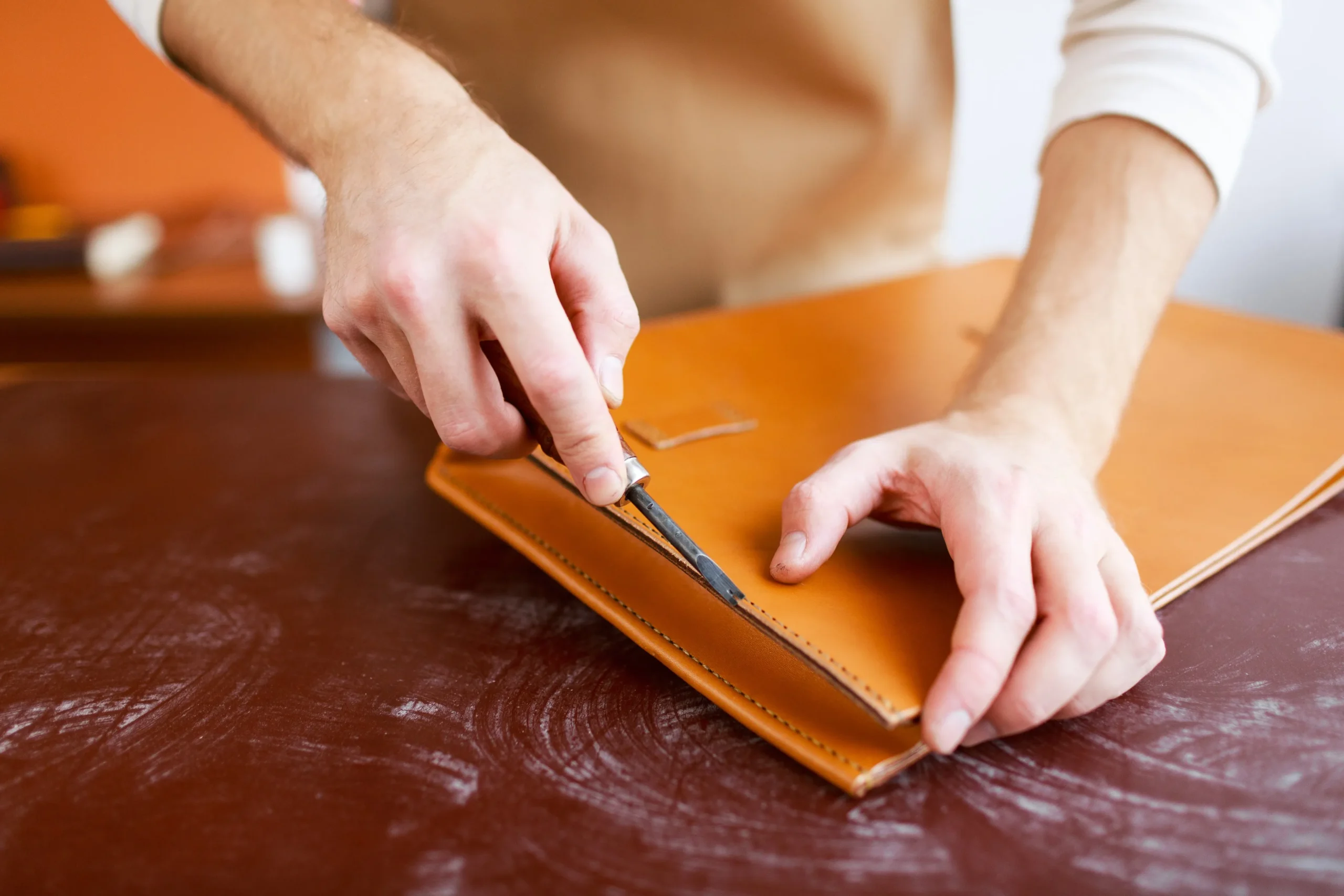
The best protection for your laptop starts with a decent laptop case. A custom laptop sleeve fits any type of laptop and guards it from everyday wear and tear, scratches, impacts, and spills. Made from materials like neoprene or leather (natural or vegan), there are plenty of styles and personalisation options to make your laptop sleeve uniquely yours.
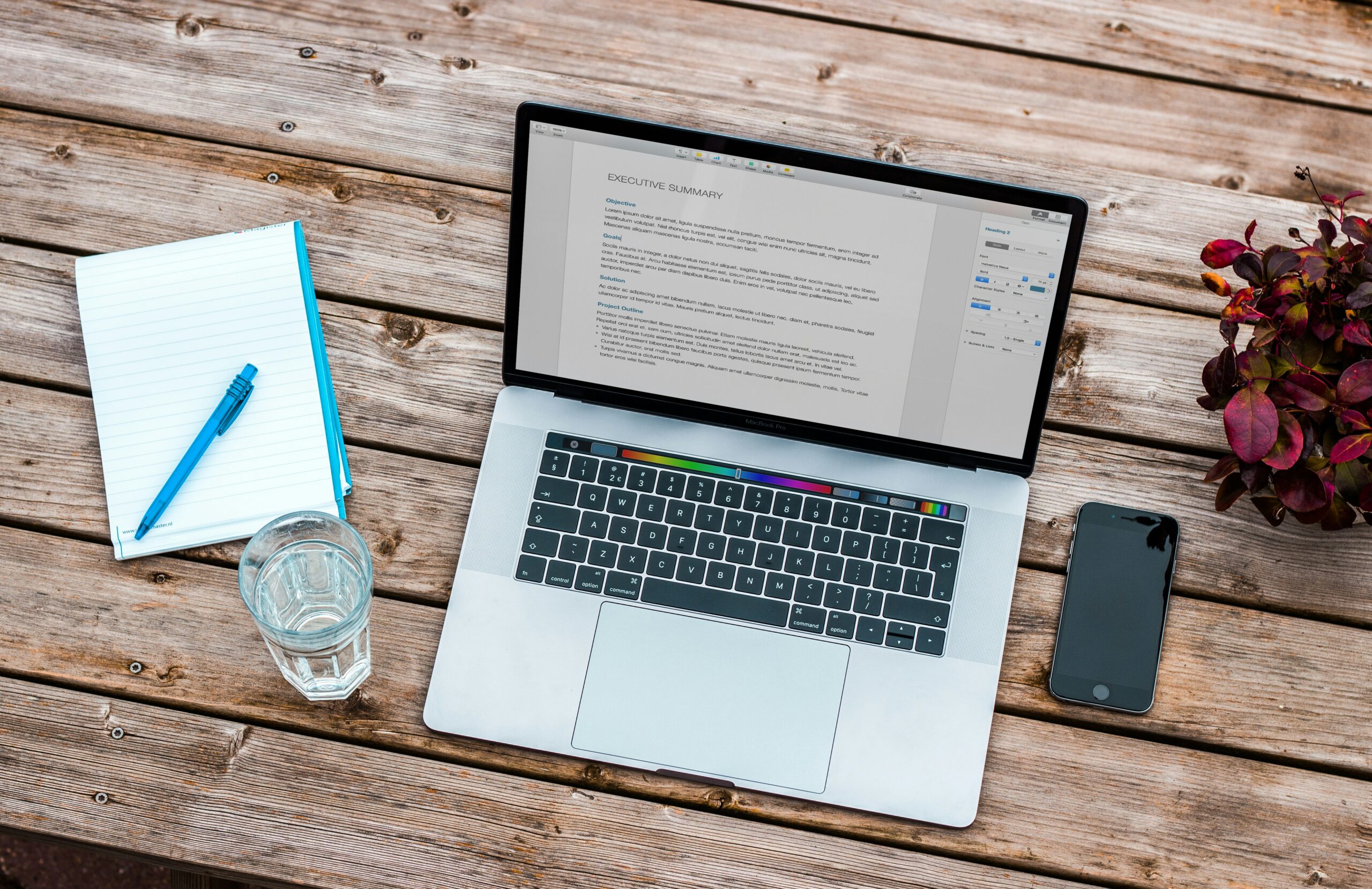
Schools, businesses, and organisations can match their brand colours and styles, adding logos, mascots, and other designs. This way, users can proudly represent their company or school spirit wherever they go.
2. Be Mindful of What’s in Your Bag
Spills can happen anywhere – whether on a conference table, desk, or even inside your bag. Even if your backpack has a special pocket for your laptop, a water bottle with a dodgy seal can leak and cause permanent damage.
Watch out for food items that might be moist or crumbly, damp clothes, and items like keys or loose change that might scratch or damage your laptop. A laptop case adds an extra layer of protection against such mishaps.
3. Watch the Weather
Walking to school, work, or the local café with your laptop is routine for many. But getting caught in the rain, hail, or snow can pose a serious risk to your tech.

Even if your laptop is in a bag, moisture can seep in and cause damage. Check the weather forecast before heading out, and if rain is on the cards, consider alternative transport or working from home rather than risking your laptop in the elements. A good laptop case can also provide extra protection during unexpected downpours.
4. Consider a Lock for Your Bag
Most thieves target easy opportunities. An unattended bag in a school, office, bus, or café could be an easy target. While they might not steal a bag outright, they might be tempted to unzip it and see what’s inside. If they find your laptop, it’s likely gone for good.
A simple padlock or combination lock on your bag’s zipper can deter such opportunistic thefts.
5. Set a Password for Your Lock Screen
One of the easiest ways to protect your data is by setting a password for your laptop’s lock screen. This keeps prying eyes away from sensitive information if your laptop is lost or stolen – like credit card details, personal data, and more.
6. Maintain Good Cybersecurity Habits
Be cautious with emails from unknown senders. Avoid clicking on dubious links or downloading attachments, as these can lead to malware or phishing sites. Be wary even of emails from people or companies you know, especially if they seem off or contain unusual requests.
Look out for red flags like emails from contacts you haven’t heard from in ages, spelling mistakes, strange URLs or email addresses, or odd requests for money or personal info.
Protect Your Laptop – Your First Line of Defence
While your laptop faces many threats – from impact damage and spills to cybercrime and theft – a solid laptop case is your first line of defence.
At Custom Logo Cases, you can personalise your laptop case with a wide range of options. Choose your material, style, colour, and logo. Add features like handles or extra pockets if needed. We’ve worked with clients like Whole Foods, Mercedes-Benz, Stanford University, and Uber to create bespoke designs that perfectly reflect their brands.

Just let us know what you need, and our talented team will design a free proof for you. Once you approve, we’ll make a prototype and ship your new laptop sleeves to you swiftly, wherever you are in the world. We also offer rush orders and a money-back guarantee.
If you’ve got any questions or need a quote, get in touch with us today.
Unlock Top-Notch Protection & Branding for Your Devices
🛡️ Tailored Fit & Protection: Whether it’s laptops, tablets, or phones, our cases keep your devices safe from spills, impacts, and everyday wear. Ideal for devices on the go or in busy educational and professional settings.
🎨 Custom Branding Excellence: Match your organisation’s colours, logo, and style perfectly. Show off your identity with every case, from mascots to unique designs.
📦 Diverse Material & Design Options: Choose from neoprene, leather, or vegan polyurethane, and add features like handles or extra pockets. Our design team will help bring your vision to life.
🏫 Exclusive for Schools & Organisations: Join esteemed clients like Whole Foods, Mercedes-Benz, Stanford University, and Uber in showcasing your brand with high-quality, custom cases.
🌍 Hassle-Free Process & Global Shipping: From concept to delivery, we ensure a smooth process with a free design proof, prototype, and prompt worldwide shipping. Rush orders available with a money-back guarantee.
Ready to give your laptop the protection it deserves?
At Custom Logo Cases, we’re here to help you find the perfect fit for your needs. Get in touch with us today to discuss your requirements, and let’s make sure your tech stays safe and stylish!




... See MoreSee Less
Neoprene Sleeve with Handles, 4-Ply Padding and two Velcro pockets. #newlogoalert🚨 #rebrandmerch #staffgifts #teamgifts #LaptopBags ... See MoreSee Less
... See MoreSee Less