


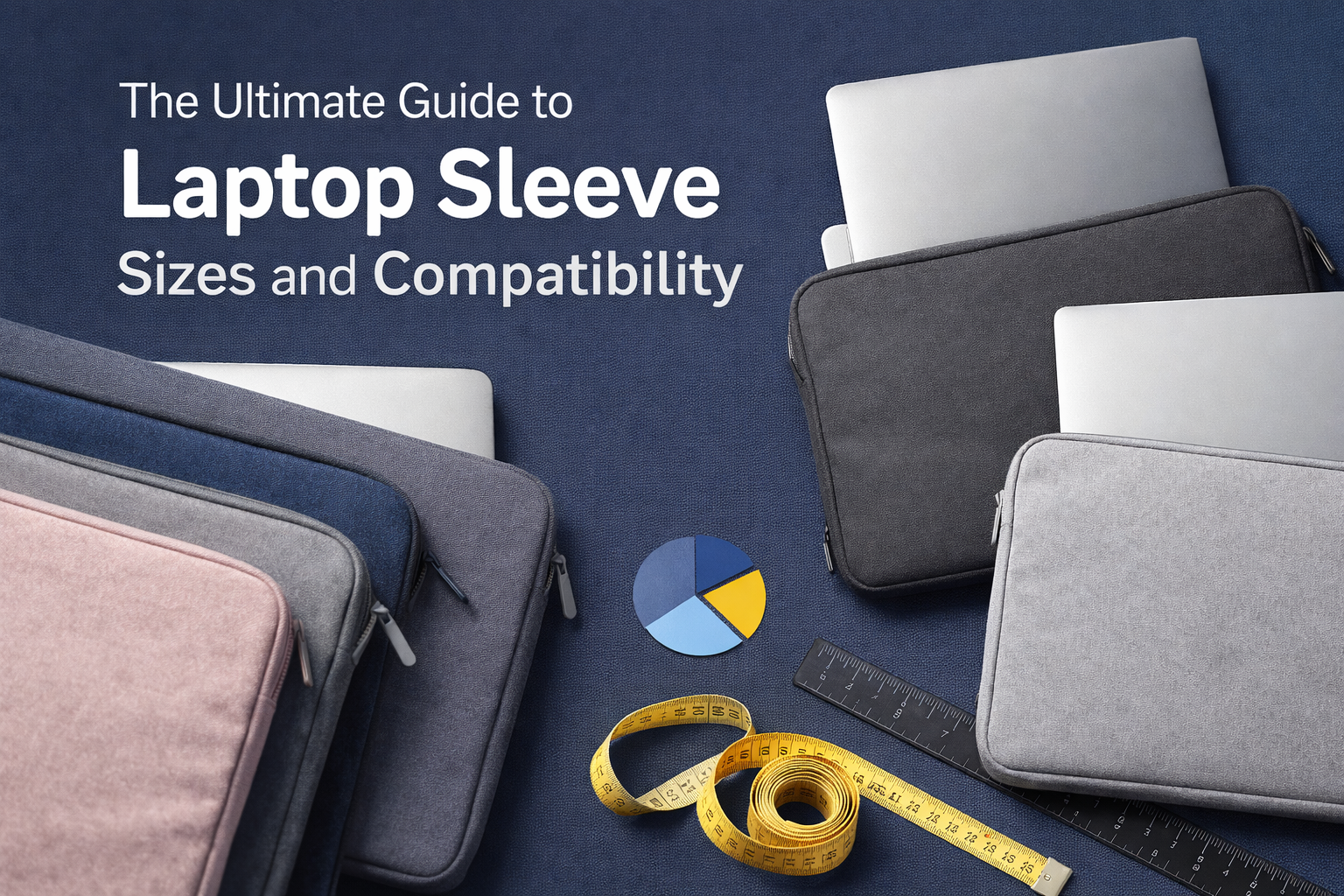
Finding the right laptop sleeve can feel tricky, especially when you’re buying in bulk for a school, traveling often, or choosing a sleeve with your brand’s logo. Whether you’re a student, a designer, a school IT admin, or a marketing manager ordering custom-branded cases, this guide will help you get the fit right.
Why sizing matters
Getting the right size does more than just make your laptop look good in a sleeve. From a practical standpoint:
- A sleeve that fits too tightly can be hard to slide your laptop in or out—and that means stress on the zipper or the device. One reviewer on Reddit found:
“The smaller one is very snug … I feel like … the case being tight could damage screen.” - A sleeve that is too loose means your laptop can shift inside, reducing protective effect and increasing the chance of bumps or scratches. Another user noted:
“The sleeve should be around an inch longer and wider than the laptop to accommodate its thickness.” - For branding or promotional campaigns, you want a clean, formed look—not something sloppy or stretched.
So sizing is both a protective and visual issue.
How to measure your laptop for a sleeve
Before ordering custom laptop sleeves, follow these steps:
- Measure the diagonal screen size (e.g., 13″, 15.6″) if you don’t know your laptop’s exact model specs.
- Measure width, depth, and height (thickness) of the laptop when it’s closed. Many “13-inch” or “15-inch” classifications only refer to the screen size; the actual device dimensions vary.
- Allow extra margin for thickness, charger, cables or if your sleeve has pockets or you may carry additional items. Some manufacturers recommend an extra margin so the sleeve “can close properly without damaging your device”.
- Check internal dimension of the sleeve, not just the labelled screen size. That ensures compatibility across brands (Mac, Dell, Lenovo, etc.).
In short: measure carefully → allow margin → check sleeve specs.
Standard size-ranges and what they mean
Here’s a quick guide to common sleeve size categories you’ll see in the US market.
| Sleeve Size Label | Typical Laptop Screen Size | Approximate Device Width x Depth* |
| 13″ / 13-14″ | Up to about 14″ | ~ 11.5″ x 8.0″ (29 cm x 20 cm) |
| 15″ / 15-16″ | Up to about 16″ | ~ 13.5″ x 9.5″ (34 cm x 24 cm) |
| 17″+ | 17″ or more | ~ 15.5″ x 10″+ (39 cm x 25+ cm) |
*Note: Dimensions can vary by brand and depth. For example, one manufacturer lists a 16″ sleeve for laptops up to 35.6 x 24.9 x 1.9 cm.
From a practical viewpoint: if your laptop is thinner (e.g., ultrabook) vs a gaming laptop (thicker), you may want to size up by one size to leave room.
Fit considerations for different user-types
Let’s consider how fit matters in different scenarios relevant to your target audience.
Students & Teachers
Often carry devices in backpacks between classes. A sleeve should:
- Fit closely to avoid shifting inside a backpack.
- Have moderate padding and enough internal space for chargers or notes.
- Be easy to slide in/out between periods.
Designers, Coders & Creators
These users often carry additional gear: external drives, stylus, mouse, sketchbook. A snug sleeve isn’t enough. Consider:
- A sleeve with extra width or a pocket.
- One size up from the laptop’s minimum dimension so that accessories don’t cause bulging.
- Custom branded or color-coordinated sleeves, especially if carrying between coworking spaces.
Frequent Travelers & School IT Admins (bulk orders)
For travel or bulk procurement:
- Ensure sleeve works across multiple laptop models (e.g., many schools have slightly different chassis).
- Pick a size that accommodates worst‐case dimension among their fleet.
- Test one sample before ordering large quantities.
- Consider branding/logos for marketing or institutional identity.
Real-world example
A mid-sized marketing agency in Chicago placed an order for custom-branded sleeves for their 15.6″ laptops. They measured the largest model: 14.3″ width x 9.8″ depth x 0.9″ height. They chose a “16″ sleeve” category which stated internal dimensions up to 35.6 × 24.9 × 1.9 cm. That covered their largest laptop with comfortable margin. Their branded sleeve looked crisp, fit inside carry-on bags, and left room for charger. The result? A unified look and no cell returned for fit issues.
Best practices for ordering custom-branded sleeves
- Provide your sleeve supplier with exact device dimensions or model numbers.
- Ask for internal dimension spec sheet of the sleeve size.
- For bulk orders (schools, corporate): order a few samples with your logo before full run.
- For mixed device fleet: Select a size that covers largest device + margin, label smaller devices accordingly.
- Specify material, thickness of padding, whether zipper or flap, pockets for accessories.
- For print/branding: Confirm that the sleeve size accommodates the logo placement without distortion.
Final thoughts
Choosing the right laptop sleeve size is about protection and appearance. At Custom Logo Cases, we believe that fit should be precise, brand presence clean, and procurement decision simple. Whether you’re ordering just one for your designer, or hundreds for students, follow the steps above: measure carefully, allow margin, check internal sleeve specs. The result: a sleeve that fits your device, supports your workflow, and looks like it’s meant for your brand.

Bhushan spent the last 15+ years building businesses and learning what really matters to customers. At Custom Logo Cases, we help brands turn everyday tech accessories into high-quality, on-brand marketing tools.



... See MoreSee Less
Neoprene Sleeve with Handles, 4-Ply Padding and two Velcro pockets. #newlogoalert🚨 #rebrandmerch #staffgifts #teamgifts #laptopbags ... See MoreSee Less
... See MoreSee Less