


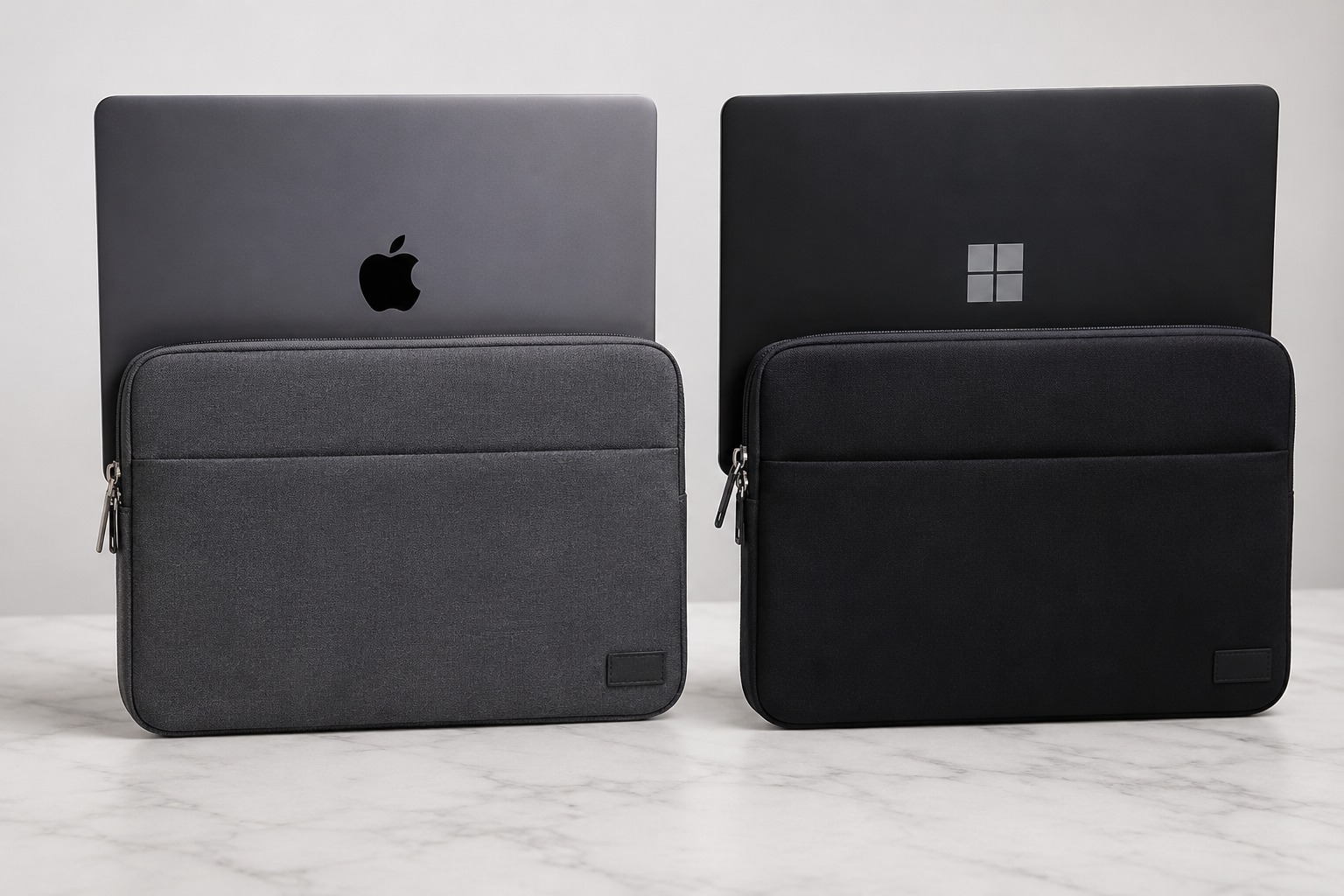
The screen size label on a laptop 13 inches, 14 inches, 15 inches refers to the diagonal measurement of the display, not the external dimensions of the machine. This distinction matters enormously when ordering custom laptop sleeves at scale, because two laptops with identical screen sizes can have physical dimensions that differ by 15 to 20mm in width alone. For a broader overview of sizing principles, our guide on laptop sleeve sizes and compatibility is also a useful reference.
For companies ordering branded sleeves at scale, ignoring device-specific sizing leads to sleeves that are either too tight to zip or so loose they offer no protection.
Why Screen Size Is Not a Reliable Sizing Guide
Display technology has changed the relationship between screen size and laptop body size. Thin-bezel designs common on premium Windows laptops and all recent MacBooks mean the laptop body is smaller relative to the screen. Older designs with thicker bezels mean the opposite.
A 14-inch MacBook Pro has a smaller physical footprint than a 14-inch Dell Latitude, even though both display the same screen diagonal. Order a sleeve sized for the Dell and a MacBook will rattle around inside it.
MacBook Dimensions (2024 to 2026 Models)
Our MacBook sleeves are sized to match the exact physical dimensions of current Apple models, including the tapered body of the Air range.
| Model | Width | Depth | Thickness |
|---|---|---|---|
| MacBook Air 13-inch (M3/M4) | 304mm | 215mm | 11.3mm |
| MacBook Pro 14-inch (M4) | 312mm | 221mm | 15.5mm |
| MacBook Air 15-inch (M3/M4) | 340mm | 237mm | 11.5mm |
| MacBook Pro 16-inch (M4) | 356mm | 248mm | 16.8mm |
Common Windows Laptop Dimensions (Indicative)
Our Windows laptop sleeves are available in sizes that correspond to the actual external dimensions of popular business models, not just their screen labels.
| Model (Approximate) | Width | Depth | Thickness |
|---|---|---|---|
| Dell XPS 13 (2025) | 296mm | 210mm | 15.3mm |
| HP EliteBook 840 G11 (14″) | 323mm | 222mm | 17.9mm |
| Lenovo ThinkPad X1 Carbon (14″) | 315mm | 222mm | 15.4mm |
| Dell Latitude 15 (15.6″) | 357mm | 240mm | 19.8mm |
Note: These are representative dimensions. Always verify with the manufacturer’s current specifications before finalising sleeve sizing.
The Practical Sizing Problem
Consider a company ordering 200 branded sleeves for a mixed fleet 80 MacBook Air 13-inch, 70 HP EliteBook 14-inch, and 50 Dell Latitude 15.6-inch. Three different screen sizes map to three different physical sizes, but the MacBook Air and HP EliteBook both carry the same “13/14-inch” label in casual conversation.
Without device-specific sizing, procurement ends up with:
- MacBook users receiving sleeves 15 to 20mm too wide (loose, poor protection)
- HP EliteBook users receiving sleeves that don’t close properly (too tight)
- A support ticket to fix the whole order
How to Size Correctly: A Practical Process
- Audit your device fleet list every make and model in use, including variants within the same product line.
- Pull the manufacturer’s physical dimensions for each model width, depth, and thickness.
- Group devices by actual dimensions, not screen labels. Two devices within 5mm on all measurements can share a sleeve size.
- Add 10 to 15mm to width and depth for a standard sleeve fit, and 5 to 8mm to thickness for the sleeve interior.
- For snug or zip-close sleeves, add 8 to 10mm to width and depth only.
- Order sample sleeves in each required size and physically test with actual devices before confirming bulk production.
MacBook-Specific Considerations
MacBook sleeves need to account for the tapered body on MacBook Air models. The Air is thinner at the front than the back. Sleeves designed for uniform thickness may bow or fit poorly. Look for sleeves with flexible edge stitching or an internal taper allowance.
MacBook Pro models are uniformly thick but notably thicker than the Air do not assume a 13-inch sleeve fits both a MacBook Air 13 and a MacBook Pro 14. They won’t.
Mixed Fleets: Ordering Strategy
For companies with mixed device fleets, two approaches work:
- Size to the largest device in each nominal category and accept that smaller devices will have a slightly loose fit. This minimises SKU complexity.
- Order multiple sleeve sizes to match actual device dimensions. More complex to manage but produces a better end-user experience.
Custom Logo Cases helps clients map their device inventories to the correct sleeve sizes before production begins a service that prevents costly size mismatches on large orders.
Frequently Asked Questions
Will a MacBook sleeve fit a Windows laptop with the same screen size?
Possibly, but not reliably. A MacBook Air 13-inch is narrower and thinner than most 13-inch Windows laptops. Always check physical dimensions rather than relying on the screen size label.
What tolerance should I allow when sizing a sleeve?
For a standard, zip-close sleeve, allow 10 to 12mm extra on width and depth. For a snug slip-in sleeve, 6 to 8mm is sufficient. For very snug magnetic-close sleeves, 4 to 6mm may be enough depending on the design.
My team has 10 different laptop models. Do I need 10 different sleeve sizes?
Not necessarily. Group devices by actual external dimensions, not model names. Most corporate fleets cluster into 2 to 3 size groups once you measure them. A 13-inch and 13.3-inch device from the same manufacturer may share a sleeve.
Does MacBook Pro thickness require a special sleeve?
MacBook Pro models are thicker than MacBook Air up to 16.8mm versus 11.3mm. Standard neoprene sleeves designed for ultrabooks may be too tight. Confirm sleeve interior depth with your supplier before ordering.
Can I order a single universal sleeve size for all laptops?
You can, but it’s a compromise. A sleeve sized for the largest device in your fleet will be loose on smaller devices, reducing protection. It works for conferences and giveaways where a precise fit is secondary, but not for daily-use protection.
Conclusion
Laptop sleeve sizing by screen label is one of the most common mistakes in corporate procurement. Device dimensions vary significantly between manufacturers, and even within the same brand across product lines. A brief device audit before ordering protects your investment and ensures every team member receives a sleeve that actually fits their machine. For more practical buying guides, visit our blog.

Bhushan spent the last 15+ years building businesses and learning what really matters to customers. At Custom Logo Cases, we help brands turn everyday tech accessories into high-quality, on-brand marketing tools.



... See MoreSee Less
Neoprene Sleeve with Handles, 4-Ply Padding and two Velcro pockets. #newlogoalert🚨 #rebrandmerch #staffgifts #teamgifts #LaptopBags ... See MoreSee Less
... See MoreSee Less